Darkpool
Dark pools are private venues where institutions execute large stock trades away from the public order book. Trade Echo streams those prints live and scores them - so instead of a wall of rows, you see which prints actually matter and at what price levels institutions keep transacting.
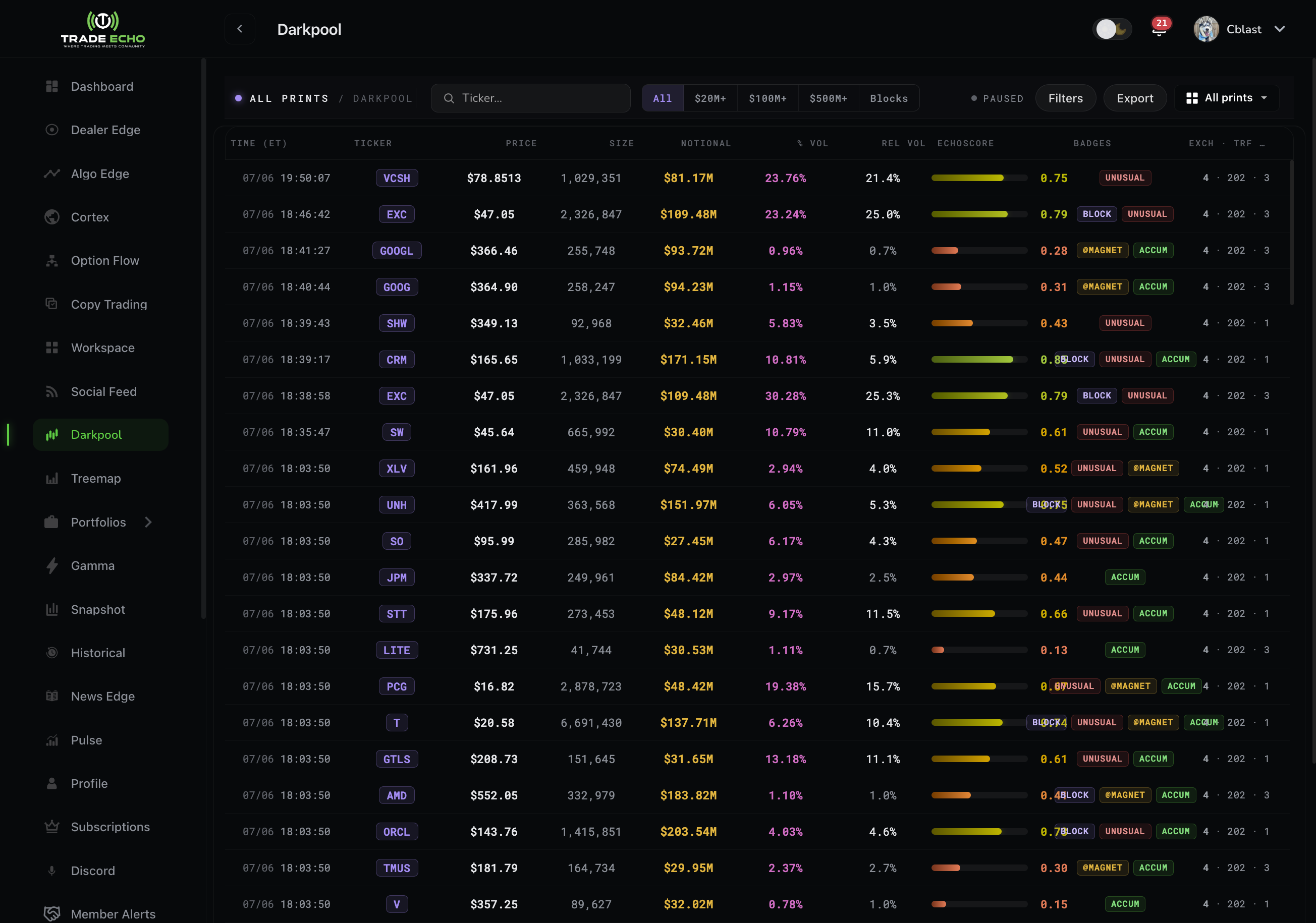
What a print tells you
Each row is one dark pool trade: ticker, size, price, notional amount, and time. Individually a print is just a data point. In aggregate, repeated size at the same price marks levels institutions care about - which is what the Snapshot view is built around.
EchoScore
Every print gets an EchoScore (0-1) - print significance derived from notional size, relative volume, and share of the day's volume. The score renders as a gradient bar: amber for routine prints sweeping to green for standouts.
Use the min-score quick filter (0.50+ / 0.70+ / 0.90+) to cut the feed down to prints worth a look. A 0.90+ print on a mid-cap name is rare - that is the tape talking.
Badges
Prints can carry up to four badges:
| Badge | Meaning |
|---|---|
| Block | Notional of $100M+ in a single print |
| Unusual | Print size is 3x or more the ticker's 30-day average volume |
| @Magnet | The print sits at a price level that keeps attracting repeated dark pool activity |
| Accum | The ticker is showing an ongoing accumulation pattern |
Block and Unusual are derived from the row itself; @Magnet and Accum come from Trade Echo's accumulation engine watching activity over time. You can filter the feed by badge.
Views and quick filters
The view dropdown switches between All prints, $50M+, $100M+, and Snapshot.
On All Prints, quick filters narrow by premium ($1M+ / $10M+ / $50M+ / $100M+) and size (10K+ / 50K+ / 100K+ / 500K+) alongside the EchoScore filter.
Per-ticker rollup
Focus a ticker and a rollup strip appears: 30-day average and last-day dark pool premium (from nightly rollups) plus today's active level and spot price. It answers "is today's activity normal for this name?" in one glance.
Snapshot view
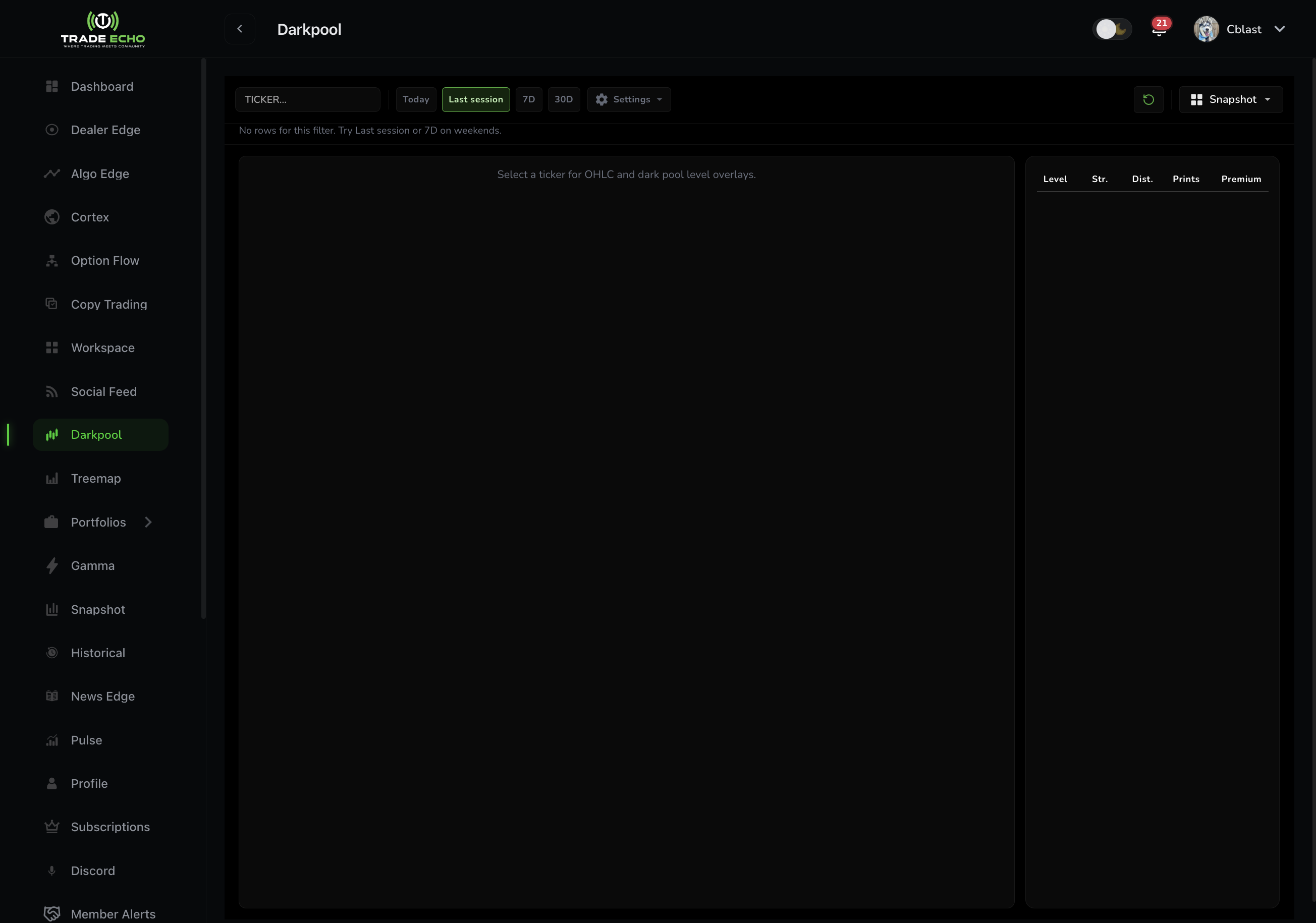
Snapshot turns prints into levels:
- Levels rail - the price levels with the most dark pool premium, ranked; sort by premium, print count, or cluster size
- Premium profile - how premium distributes across price, so you can see where the volume actually sits relative to spot
- Chart panel - price with dark pool levels overlaid
- Window and filter chips - change the lookback window and minimum premium ($50M+ / $100M+ / $300M+)
Trading with dark pool levels
- Find a name with Accum or repeated @Magnet prints
- Open Snapshot and note the top 2-3 levels near spot
- Treat heavy levels as support/resistance zones - institutions defended them before
- Confirm with Dealer Edge (do gamma walls agree?) and OptionFlow (is options money leaning the same way?)
Dark pool prints are not directional by themselves - a print records a trade, not whether the initiator was buying or selling. Levels plus confirmation is the edge.
Web and mobile
Darkpool is available on web and mobile. The Snapshot levels view and per-ticker rollup strip described above are the web experience; mobile carries the live prints feed.
Next Steps
- Dealer Edge Quick Start - confirm levels against gamma
- Snapshot - market-wide sentiment context
- Workspace - put the Darkpool tile next to your chart