Portfolios and Mirrors
The Portfolios section of the web sidebar groups three pages: My Portfolios, Community Portfolios, and My Mirrors (Beta). Together they let you build strategies, share them, follow other members' books, and - when eligible - mirror a live portfolio with real money.
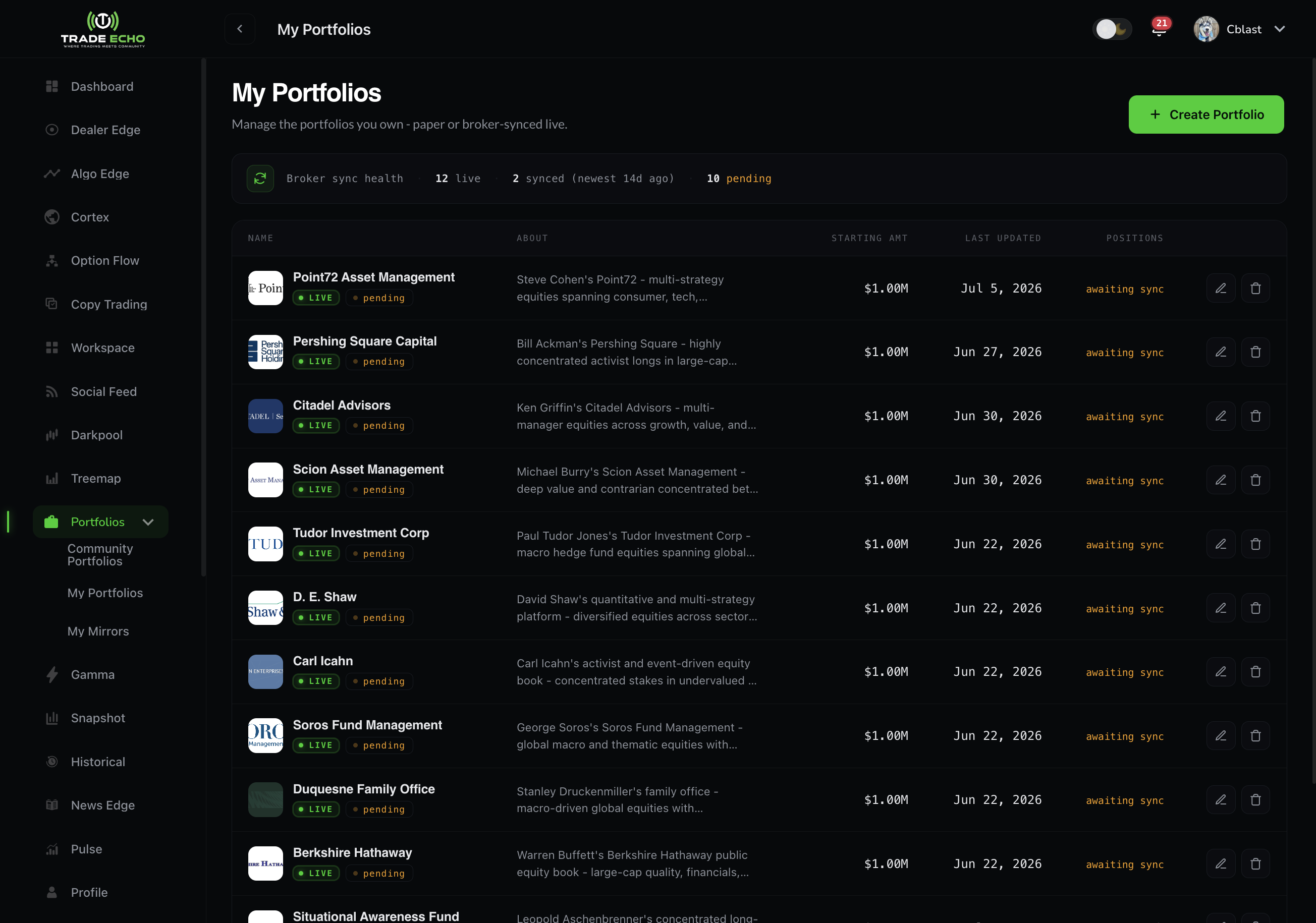
My Portfolios
Track a strategy two ways:
| Kind | How it works |
|---|---|
| Paper | Build a simulated portfolio by hand. Set positions and weights yourself. No broker, no real money. |
| Live | Connect a real brokerage. Positions sync automatically. Eligible for real-money mirroring by others. |
Hit Create Portfolio and the wizard walks you through the paper/live choice first, then positions. Open any portfolio for its detail page - holdings, performance, and history.
Paper portfolios are the safest way to test a thesis: build the book, watch it mark to market, and keep your real account out of it.
Community Portfolios
Browse portfolios other members (and professional 13F curations) have shared:
- Each card shows its kind - Paper, Live, or a curated 13F professional portfolio
- Compare performance across time ranges
- Follow a portfolio to keep it on your radar
- Mirror appears on eligible portfolios - live portfolios with mirroring enabled
My Mirrors (Beta)
Mirroring is live portfolio copying: subscribe to an eligible portfolio and its trades are sized to your account and placed in your connected brokerage.
- My Mirrors lists every portfolio you mirror; tap a row to open the detail with the manage modal
- A sizing step controls how the source portfolio's positions scale to your capital
- You must accept the Live Portfolio Mirror terms before your first mirror
Live mirroring is in Beta - it is available to paid members and rolls out progressively. If you do not see My Mirrors in your sidebar, your account does not have access yet.
Mirroring places real orders in your brokerage account. Size conservatively and read the terms - the Copy Trading FAQ covers the same classes of risk (slippage, partial fills, pausing).
Portfolios vs Copy Trading
They are related but different products:
| Portfolios & Mirrors | Copy Trading | |
|---|---|---|
| What you follow | A whole portfolio (positions and weights) | A trader's individual trade alerts |
| Cadence | Position syncs | Trade-by-trade copying |
| Best for | Longer-horizon allocation | Active options/stock trading |
Many members use both: a mirrored portfolio as the base, copy trading for the active sleeve.
Web and mobile
Portfolios and Mirrors are managed on the web dashboard. Mobile surfaces your copy trading account; portfolio management is web-first.
Next Steps
- Copy Trading Overview - trade-by-trade copying
- Trade Journal - your own performance, journaled
- Broker Sync FAQ - connecting brokerages