Cortex Marketplace
The Marketplace is the community exchange for published Cortex agents. Open it from Cortex (/cortex/marketplace) after you log in to the web app.
Creators publish from Agent Builder → Publish. Followers browse listings and subscribe in paper or, when eligible, live auto-execute.
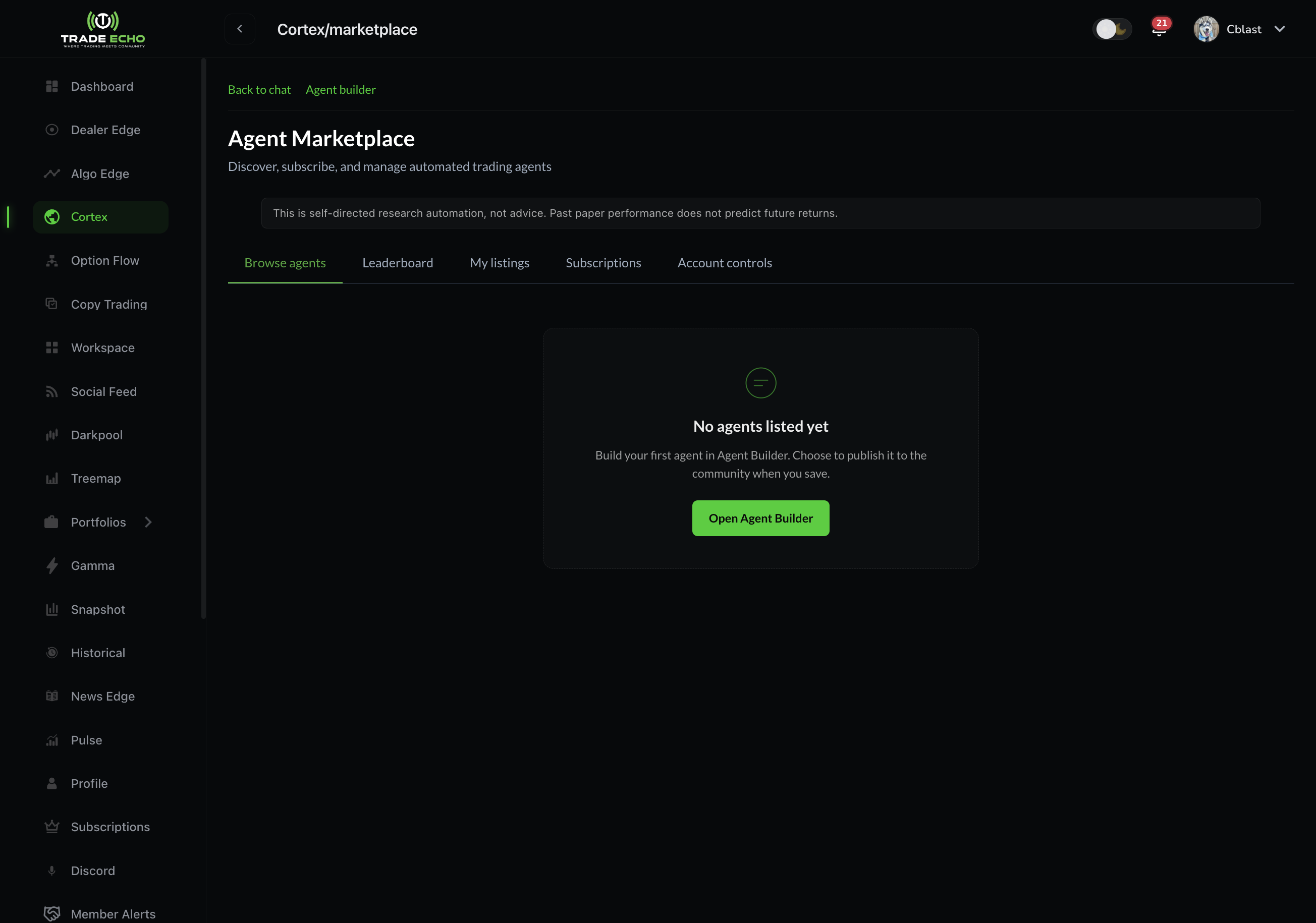
Marketplace tabs
The Marketplace has five tabs - same names as in the app:
| Tab | What it does |
|---|---|
| Browse agents | Community listings with descriptions, tags, and performance snapshots |
| Leaderboard | Agents ranked by performance metrics |
| My listings | Agents you published to the community (creator view) |
| Subscriptions | Marketplace listing subscriptions you follow (follower view) |
| Live dashboard | Real broker fills and realized P&L from your live marketplace subscriptions |
My listings vs My Agents
These are easy to confuse:
- My Agents (
/cortex/agents) - every agent you built, private or public. See My Agents and Approvals. - My listings (Marketplace tab) - only community-published rows other members can subscribe to.
Browse and evaluate
On Browse agents:
- Sort by top P&L, win rate, or subscriber count.
- Filter by category or tags.
- Open a listing detail page for full description, performance history, and subscribe controls.
Before you subscribe, review sample size and drawdown - not just a short hot streak. Paper and live results on the listing are the creator's agent track record, not a promise of your follower P&L.
Subscribe to a listing
From a listing detail page (or agent modal), choose paper or live follow mode.
Paper subscribe (all members)
- Follow the listing's strategy in simulation in your account.
- You see signals and paper-style performance tied to that subscription.
- No real broker orders are placed.
- Good for learning what an agent does before committing capital.
Live auto-execute
Live auto-execute needs a validated live broker connection, a listing with live execution enabled for followers, and sizing / risk caps completed on subscribe. You cannot live-subscribe to your own agent (use paper to preview the member experience).
| Membership | Live Marketplace follows |
|---|---|
| Lifetime | Unlimited live follows (per-agent broker binding when the app offers it) |
| Monthly / yearly | Up to 1 live Marketplace follow at a time (mirrors the single-pilot Copy Trading model). Unsubscribe or pause another live agent before starting a new one. Upgrade to Lifetime for unlimited live follows. |
When live subscribe succeeds, the agent's signals can route real orders to your linked broker within the caps you set. Paper subscribe stays available to all members with no live-follow limit.
Sizing and caps (live subscribe)
Live subscriptions ask for follower-side controls, including:
| Setting | Purpose |
|---|---|
| Fixed contracts | Contracts per copied signal |
| Fixed dollar | Dollar budget per trade |
| % of portfolio | Scale to a percentage of your account value |
| Max contracts per trade | Hard ceiling on follower size |
Pilot-mirror modes (% of trader size, Mirror pilot %) are not available for Cortex agents - those apply to human Copy Trading pilots only.
Defaults are conservative (often 1 fixed contract). Adjust caps to match your account and risk tolerance before you enable live.
Manage subscriptions
Open the Subscriptions tab to:
- Expand a row and edit live broker binding, sizing, or caps
- Pause or cancel a subscription
- See whether each sub is paper or live
Paper subscriptions stay simple - no live broker controls.
Live dashboard
The Live dashboard tab is for live marketplace subscriptions only.
It shows:
- Broker fills and realized P&L from agents you follow with live auto-execute
- Summary counts of active live subs
Paper signals on listing pages and your agent's paper book are separate from this dashboard. If you only paper-subscribe, this tab stays empty until you add a live subscription.
For creators: publishing to the Marketplace
- Build the agent in Agent Builder.
- On Publish, choose Community visibility.
- Add description, tags, and confirm the transparency panel.
- After save, find the listing under My listings.
Community listings can enable live execution for followers when live marketplace subscribe is available on the platform. Followers still choose paper vs live on their side. Live follow always needs a validated broker; Lifetime members may hold unlimited live follows, while monthly / yearly members are capped at 1 live follow at a time.
Republishing or editing a listing does not silently turn off live follower execution if it was already enabled - check the listing detail before you announce changes to subscribers.
Common questions
I subscribed in Agent Builder to a community agent card - why isn't it under Subscriptions?
Agent Builder community follow on a config card is a separate lightweight follow (scan subscription). Marketplace listing subscribe is the full listing flow with paper/live modes and appears under Subscriptions.
Why did my live order skip?
Live follower orders pass through the same risk engine as copy trading - slippage, spread, sizing, and caps can skip an intent. Check Subscriptions settings (slippage tolerance, max dollars) and Live dashboard for fill history. Paper mode never places broker orders.
Can I live-follow my own published agent?
No. Subscribe to your own listing in paper to preview the member experience. To trade your own strategy live, enable Live on the agent in Agent Builder (creator path).
I'm on monthly - can I follow live?
Yes, up to 1 live Marketplace agent at a time, with a validated broker. For unlimited live follows, upgrade to Lifetime. Paper follows are unlimited on every plan.
Where do I change size, pause, or see fills?
- Subscriptions - edit sizing, caps, broker, pause, or cancel
- Listing page - creator performance / sample size
- Live dashboard - your live broker fills and realized P&L
Next steps
- Agent Builder - create and publish agents
- My Agents and Approvals - your configs, paper book, review queue
- Cortex Quick Start - chat presets and example questions